If you’ve been trying to choose between Grammarly vs ProWritingAid, you’re not alone. These two tools dominate the writing assistant space, and at first glance, they seem to do the same thing—fix grammar and improve writing.
But once you actually start using them, the difference becomes clear.
One is built for fast, real-time writing correction, while the other focuses on deep writing analysis and long-form improvement.
So instead of asking “which is better overall?”, the real question is:
Which one fits your writing style, workflow, and goals?
Let’s break it down in a clear, practical way so you can actually decide.
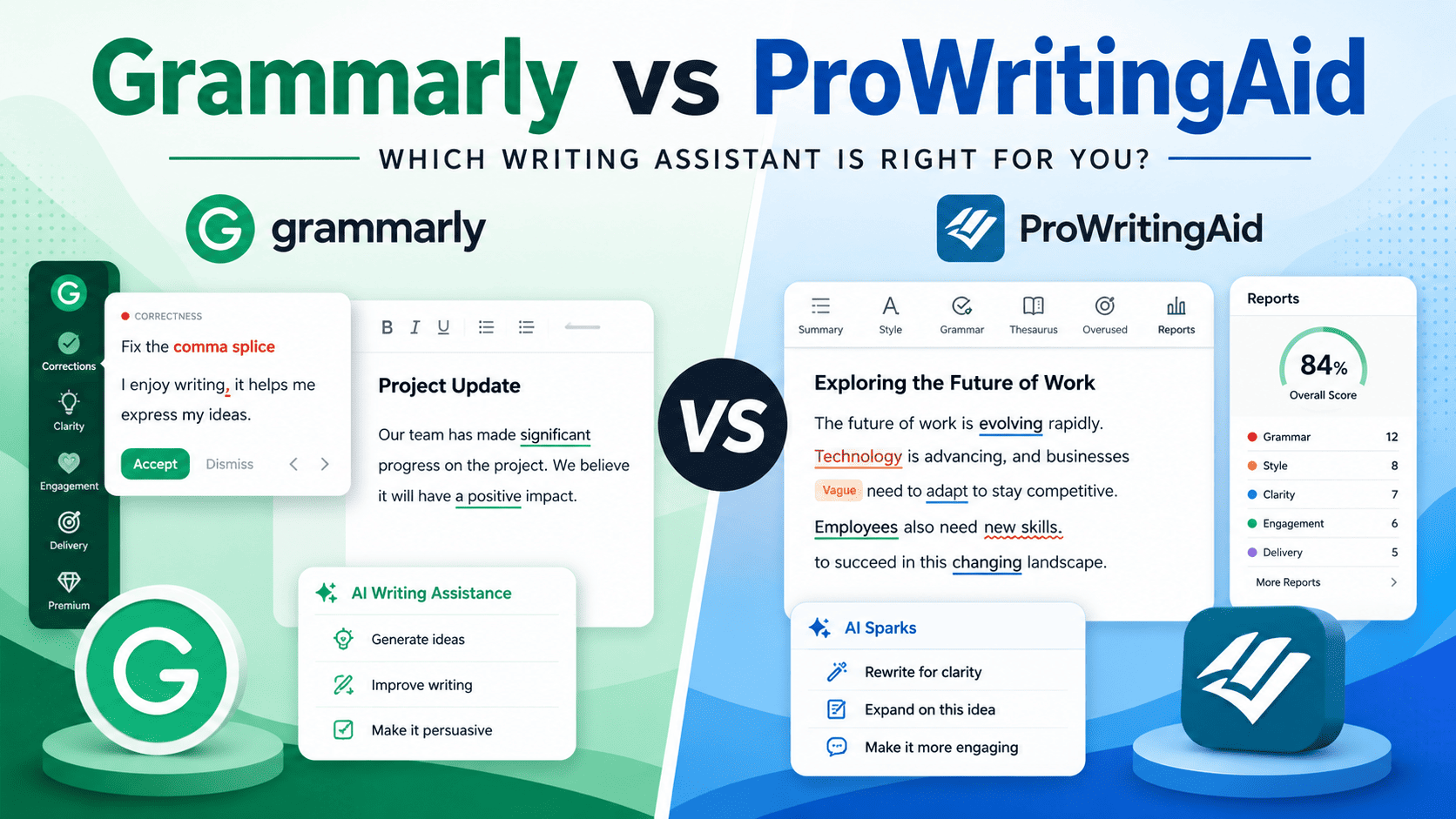
| Feature | Grammarly | ProWritingAid |
|---|---|---|
| Best For | Everyday writing and quick corrections | Long-form writing and deep editing |
| Real-Time Corrections | Excellent | Limited |
| Writing Analysis | Basic to moderate | Advanced and detailed |
| Browser Extension | Excellent | Good |
| Mobile Support | Strong | Limited |
| Best For Students | Excellent | Good |
| Best For Authors | Moderate | Excellent |
| Integrations | Broad platform support | Focused writing integrations |
| Lifetime Plan | No | Yes |
| Ease of Use | Very easy | Moderate learning curve |
| Overall Focus | Fast writing assistance | Writing improvement and refinement |
Grammarly vs ProWritingAid — What’s the Real Difference?
Before going deeper, here’s the simplest way to understand both tools:
- Grammarly → A real-time writing assistant that corrects your writing as you type
- ProWritingAid → A deep editing tool that analyzes your writing after you finish
Grammarly is focused on speed and convenience. It works in the background while you write, catching mistakes instantly so you don’t have to stop and think about editing.
ProWritingAid, on the other hand, focuses on depth and structure. Instead of interrupting your writing flow, it reviews your text more holistically and highlights patterns, weaknesses, and improvement areas.
That difference shapes everything else—from usability to long-term writing improvement.
Accuracy Comparison: Grammarly vs ProWritingAid Accuracy
Accuracy is usually the first thing people compare, and for good reason—nobody wants grammar mistakes slipping through or unnecessary corrections changing their meaning.
However, Grammarly and ProWritingAid handle accuracy in very different ways.
Grammarly Accuracy
Grammarly is very strong for everyday writing and real-time correction.
It focuses on catching issues as you type, which creates a smooth and reliable writing experience.
It is especially good at:
- Grammar and punctuation correction
- Sentence clarity improvements
- Real-time error detection
- Tone adjustments (formal, casual, confident, etc.)
Because everything happens instantly, Grammarly gives you continuous feedback while you write, which reduces mistakes early in the process.
One drawback is that it can sometimes be slightly over-aggressive. In creative writing, it may simplify phrasing or adjust tone more than necessary.
ProWritingAid Accuracy
ProWritingAid also detects grammar issues, but it does not operate as a real-time assistant.
Instead, it works more like a post-writing editor, analyzing your text in detail.
It is particularly strong at:
- Structural and style issues
- Repetition and overused words
- Writing inconsistencies that basic grammar tools miss
- Long-form writing analysis
Because it takes a more analytical approach, it often identifies deeper writing problems related to flow, rhythm, and readability.
The trade-off is speed—you typically review suggestions after writing instead of receiving instant corrections.
Verdict on Accuracy
- For everyday writing and real-time correction → Grammarly wins
- For deeper editing and structural improvement → ProWritingAid wins
In simple terms: Grammarly keeps your writing clean as you go, while ProWritingAid helps you refine and strengthen it after the fact.
Features Comparison: Grammarly vs ProWritingAid Features
Once you move beyond basic grammar correction, the real difference between Grammarly vs ProWritingAid features becomes much clearer. At this stage, it’s obvious they are not just competing tools—they’re built on completely different ideas of what “better writing” actually means.
Grammarly Features
Grammarly is designed for simplicity, speed, and continuous support while you write. Instead of making you stop and analyze your text, it improves your writing in real time.
Its core features include:
- Real-time grammar and spelling correction
- Tone detection (formal, casual, confident, friendly, etc.)
- AI rewriting and paraphrasing suggestions
- Email writing assistance and smart replies
- Text summarization tools
- Browser-wide integration across websites and apps
The biggest strength of Grammarly is its workflow integration. It is not a tool you open occasionally—it runs in the background and follows you wherever you write.
Whether you are writing emails, blog posts, social media captions, or documents, Grammarly continuously refines your writing without interrupting your flow.
ProWritingAid Features
ProWritingAid takes a completely different approach. Instead of correcting your writing in real time, it works like a deep writing analysis engine that reviews your text after you finish writing.
Its standout features include:
- Deep writing reports (20+ different analysis types)
- Sentence variety and structure analysis
- Repetition and overused word detection
- Readability scoring and clarity breakdown
- Pacing analysis (especially useful for fiction and storytelling)
- Style improvement suggestions based on writing patterns
Rather than correcting individual mistakes instantly, ProWritingAid evaluates your writing as a complete system. It shows how your writing behaves overall—highlighting issues like repetitive sentence structures, weak flow, or inconsistent pacing.
This makes it especially powerful for long-form writers, authors, bloggers, and academic writers who care about structure and readability, not just grammar fixes.
Key Difference: Grammarly vs ProWritingAid
- Grammarly = Real-time writing assistant that improves your writing as you type
- ProWritingAid = Deep writing coach that analyzes and improves your writing after you finish
In simple terms:
Grammarly helps you write smoothly in the moment, while ProWritingAid helps you understand and improve your writing at a structural level.
Browser Extension Comparison: Grammarly vs ProWritingAid Browser Extension
Both Grammarly and ProWritingAid browser extensions are designed to help with writing online, but the way they function in everyday use is quite different. This difference becomes obvious once you start using them across emails, documents, and web forms.
Grammarly Extension
This is one of the strongest areas in the entire Grammarly vs ProWritingAid browser extension comparison.
Grammarly’s browser extension is built for instant, real-time writing support across almost every platform where you type.
What makes it strong:
- Works in nearly all text fields (emails, Google Docs, forms, social media)
- Real-time grammar and spelling suggestions
- Lightweight and smooth performance
- Minimal setup and no learning curve
The biggest advantage is simplicity. Grammarly doesn’t require you to “use” it actively—it runs in the background and automatically improves your writing as you type.
This creates a frictionless experience, especially for users who write frequently across multiple platforms.
ProWritingAid Extension
ProWritingAid takes a more intentional and review-based approach in the browser.
Instead of constantly correcting text in real time, it focuses more on analysis after writing or structured review sessions.
Key characteristics:
- Limited real-time correction while typing
- More focused on reviewing completed text
- Heavier interface compared to Grammarly
- Better suited for editing than fast writing
This makes ProWritingAid feel less like a passive writing assistant and more like a tool you use when you want to review and improve finished content.
It works better for writers who prefer editing in stages rather than getting continuous corrections while typing.
Winner
Grammarly clearly dominates browser extension usage
Desktop App Comparison: Grammarly vs ProWritingAid Desktop App
When you move from browser use to desktop apps, the difference between Grammarly and ProWritingAid becomes even more noticeable. This is where workflow style really starts to matter—whether you prefer simplicity or deep control over your writing.
Grammarly Desktop Experience
Grammarly’s desktop app is designed around one priority: keep writing fast and distraction-free.
Key characteristics:
- Lightweight and fast performance
- Syncs across devices automatically
- Clean and minimal interface
- Focused on writing flow rather than analysis
The entire experience is built to stay out of your way. You write, and Grammarly quietly improves your text in the background without requiring extra steps.
This makes it ideal for users who switch between multiple apps and need writing support without extra complexity.
ProWritingAid Desktop Experience
ProWritingAid takes the opposite direction and functions more like a full writing analysis workspace.
Key characteristics:
- Feature-rich dashboard with multiple analysis tools
- Deep writing reports and breakdowns
- Strong focus on long-form writing and editing
- Moderate learning curve for new users
Instead of blending into your writing flow, ProWritingAid encourages you to pause and analyze your writing in detail.
It is especially useful for authors, bloggers, and academic writers who work on longer documents where structure, pacing, and readability matter more than speed.
Verdict
- Daily writing and quick tasks → Grammarly wins
- Long-form writing and deep editing → ProWritingAid wins
In simple terms, Grammarly helps you keep moving forward smoothly, while ProWritingAid helps you slow down and refine your writing in detail.
Integrations (Workflow Power): Grammarly vs ProWritingAid Integrations
Integrations matter more than most people realize because they determine how naturally a writing tool fits into your daily workflow. A writing assistant is only truly useful if it appears exactly where you already write.
This is where the difference between Grammarly vs ProWritingAid integrations becomes very clear.
Grammarly Integrations
Grammarly is designed for maximum reach and seamless accessibility. The goal is simple: it should work almost anywhere you write without requiring any setup or extra steps.
Key integrations include:
- Google Docs
- Microsoft Word
- Gmail and other email platforms
- Browser-wide support (Chrome, Edge, Safari, Firefox)
- Mobile apps with keyboard integration
- API access for enterprise and custom workflows
What makes Grammarly powerful is its always-on workflow presence. It follows you across platforms, quietly improving your writing whether you are drafting emails, editing documents, or writing directly in web forms.
You don’t need to switch tools or open a dashboard—Grammarly is already active in the background wherever you type.
ProWritingAid Integrations
ProWritingAid is more selective with its integrations, and that reflects its deeper, more focused approach to writing. Instead of trying to work everywhere, it prioritizes environments where long-form and structured writing usually takes place.
Key integrations include:
- Microsoft Word
- Google Docs
- Scrivener (major advantage for authors and fiction writers)
- Desktop applications
- Select writing platforms and tools
Instead of trying to integrate everywhere, ProWritingAid focuses on deep writing environments where users typically work on longer documents, drafts, and structured content.
This makes it especially popular among novelists, bloggers, and academic writers who prefer dedicated writing tools rather than browser-wide assistance.
Verdict
- Grammarly is more “everywhere you write”
- ProWritingAid is more “deep writing environments”
Grammarly is built to follow you across the entire internet, while ProWritingAid is designed to support deeper writing sessions inside structured tools.
Pricing & Value for Money
When comparing Grammarly vs ProWritingAid pricing, this is usually where the decision starts to feel practical. Both tools improve writing, but they approach pricing very differently.
Grammarly focuses on ongoing convenience through subscriptions, while ProWritingAid offers a more long-term ownership model with its lifetime license option.
That difference alone is a major deciding factor for many users.
Grammarly Pricing
Grammarly keeps its pricing structure simple and subscription-focused.
What you get:
- Free plan with basic grammar and spelling checks
- Premium plan for advanced features like AI rewriting, tone suggestions, and clarity improvements
- Business plans for teams and organizations
- No lifetime purchase option
Grammarly is built around convenience, speed, and always-on writing support rather than long-term affordability.
You’re paying for a tool that works almost everywhere you type, updates continuously, and delivers real-time corrections across multiple platforms.
However, if you compare Grammarly vs ProWritingAid cost long term, the subscription model can become expensive over time since there’s no permanent ownership option.
ProWritingAid Pricing
ProWritingAid follows a different pricing strategy focused more on long-term value.
What you get:
- Free plan with limited usage
- Lower annual pricing compared to Grammarly in many cases
- Premium plans with advanced reports and integrations
- Lifetime license option
The lifetime license is what makes ProWritingAid stand out financially.
Instead of paying every year, you can make a one-time purchase and continue using the software permanently. This makes it especially attractive for bloggers, authors, students, and long-term writers who plan to use a writing tool for years.
For users focused on value rather than convenience, ProWritingAid often feels more budget-friendly over time.
Grammarly vs ProWritingAid Value for Money
This is where the real trade-off becomes obvious.
- Grammarly delivers a smoother daily writing experience with stronger real-time support and broader integrations
- ProWritingAid offers better long-term value, especially because of its lifetime pricing option
In practical terms, Grammarly is ideal if you care most about speed, workflow, and writing convenience. ProWritingAid makes more sense if you want deeper writing analysis and lower long-term cost.
Neither option is objectively cheaper for everyone—it depends entirely on how often you write and what type of writing support you actually need.
Best Tool by Use Case
This is where the comparison becomes practical. Because honestly, Grammarly and ProWritingAid aren’t competing as direct replacements—they perform better in different writing situations.
So instead of asking “which is better overall?”, the smarter question is:
Which tool fits this specific type of writing best?
Let’s break it down clearly.
Grammarly vs ProWritingAid for Students
For students, speed and clarity usually matter most.
- Grammarly helps with fast proofreading, grammar correction, and cleaner assignments in real time
- ProWritingAid is stronger for essay structure, readability, and long-form refinement
Best for students: Grammarly
It’s especially useful for assignments, essays, reports, and presentations where quick corrections save time during deadlines.
Grammarly vs ProWritingAid for Bloggers
Bloggers often need both speed and quality.
- Grammarly helps you publish faster with cleaner grammar and smoother readability
- ProWritingAid helps improve structure, flow, and long-form article quality
Best approach: Use both together
Many bloggers use Grammarly while writing and ProWritingAid during editing and final polishing.
Grammarly vs ProWritingAid for Business Writing & Emails
This is where Grammarly really pulls ahead.
- Fast, real-time corrections
- Professional tone suggestions
- Clean, confident writing style
Best choice: Grammarly
It’s built for workplace communication where speed and clarity matter more than deep analysis.
Grammarly vs ProWritingAid for Fiction Writers
This is ProWritingAid’s strongest category.
- Sentence rhythm and pacing analysis
- Repetition detection (very useful for storytelling)
- Deep structural feedback for long manuscripts
Best choice: ProWritingAid
It’s far more useful for creative writing and long-form narrative structure.
Grammarly vs ProWritingAid for Academic Writing, PhD & Research
This depends on what stage you’re in.
- Grammarly helps ensure correctness and clarity
- ProWritingAid helps improve structure, flow, and readability of long research sections
Best choice: Depends on use stage
- Drafting → Grammarly
- Refining → ProWritingAid
Grammarly vs ProWritingAid for Marketing Copy
Marketing writing needs clarity, persuasion, and readability.
- Grammarly helps polish tone and make writing more professional
- ProWritingAid helps improve sentence flow and engagement in longer copy
Slight edge: Grammarly
It’s more efficient for fast, conversion-focused writing.
Grammarly vs ProWritingAid for ESL Learners
For learners improving English in real time:
- Grammarly gives instant corrections and explanations while writing
- Easier learning curve and more supportive feedback
Best choice: Grammarly
It acts like a real-time writing tutor, which is extremely helpful for learning.
Switching Between Tools
If you ever switch:
- Export documents manually or via integrations
- Rebuild style settings in new tool
- Adjust writing workflow gradually
Most users don’t switch completely—they combine tools.
Pros and Cons Summary
After comparing Grammarly and ProWritingAid across accuracy, features, integrations, pricing, and workflow, the differences become much easier to understand.
Both tools improve writing, but they do it in very different ways.
Grammarly
Pros
- Fast and intuitive to use
- Excellent real-time grammar correction
- Works smoothly across browsers, email, mobile, and documents
- Strong tone suggestions for business and professional writing
- Great for everyday writing tasks
Cons
- Premium pricing becomes expensive long term
- Limited deep writing analysis compared to ProWritingAid
- Sometimes over-corrects creative or stylistic writing
ProWritingAid
Pros:
- Deep writing insights and detailed reports
- Excellent for long-form writing and storytelling
- Lifetime pricing option (strong long-term value)
- Very strong at analyzing structure, pacing, and repetition
Cons:
- Learning curve at the beginning
- Not well-optimized for mobile writing
- Slower, more manual workflow compared to Grammarly
Grammarly vs ProWritingAid: Final Verdict
If your priority is speed, convenience, and clean writing while you type, Grammarly is the better choice for most users.
It fits naturally into daily workflows, works across almost every platform, and helps you avoid mistakes in real time.
If your priority is deeper editing, writing improvement, and long-form content analysis, ProWritingAid is the stronger tool.
It’s especially useful for authors, bloggers, fiction writers, and anyone who spends a lot of time revising large pieces of content.
Which Tool Should You Choose?
Here’s the simplest way to decide:
- Choose Grammarly if you want a fast, reliable writing assistant for everyday work, emails, assignments, and online writing.
- Choose ProWritingAid if you want deeper feedback and stronger editing tools for books, articles, or long-form projects.
For most casual and professional users, Grammarly will feel easier and more practical.
For serious long-form writers, ProWritingAid often provides more value over time.
Can You Use Both Together?
Many experienced writers actually combine both tools instead of choosing only one.
A common workflow looks like this:
- Grammarly during writing for instant corrections and smoother drafting
- ProWritingAid during editing for structure, pacing, readability, and refinement
That combination gives you both speed and depth.
Final Thought
The real difference between Grammarly and ProWritingAid is not which tool is “better.”
It’s how each tool approaches writing.
Grammarly helps you write better in the moment.
ProWritingAid helps you become a better writer over time.
Have you see Writesonic vs Jasper Comparison: Which AI Tool Is Better?